

If you’ve ever wondered whether your setup is holding you back, you’re not alone. The debate around controller vs keyboard gaming isn’t just about preference—it’s about precision, speed, comfort, and competitive edge. Whether you’re grinding ranked matches, stepping into esports-level play, or just trying to improve your consistency, understanding the strengths and trade-offs of each input method can directly impact your performance.
This article breaks down the real differences that matter: aim control, movement mechanics, reaction time, customization, and meta advantages across genres. Instead of recycled opinions, we draw from high-level gameplay analysis, competitive trends, and performance optimization insights used by serious players.
By the end, you’ll know which setup aligns with your playstyle, which genres favor each input, and how to maximize your effectiveness—no matter what’s in your hands. Let’s settle the debate with clarity, not guesswork.
Choosing Your Weapon: The Ultimate Input Showdown
Back in 2019, when crossplay lobbies exploded, the debate over controller vs keyboard gaming hit fever pitch. On one hand, keyboard and mouse offer precision—pixel-perfect flick shots and near-instant target acquisition (ask Valorant grinders). Meanwhile, controllers deliver analog movement, smoother driving lines, and aim assist tuned for shooters.
Critics argue hardware barely matters; skill wins. Fair. Yet after three months of testing across FPS and sports titles, performance gaps were obvious. The wrong input limits reaction speed or movement nuance.
So choose tactically. Match device to genre, respect the meta, and practice relentlessly.
Precision and speed decide fights before strategy even matters. I learned that the hard way when I stubbornly defended controller vs keyboard gaming without understanding the mechanics behind each input. After months of missed shots and lost ranked matches, I finally studied what was actually happening on screen.
Aiming Mechanics (Mouse vs. Analog Stick)
A mouse translates physical movement into near 1:1 on-screen motion. DPI (dots per inch) measures how far the cursor moves relative to hand travel; higher DPI means faster cursor response. That direct input enables rapid “flick” shots—quick, snapping movements to a target’s head. Analog sticks, by contrast, rely on a limited tilt radius and software curves. Aim assist helps, but it cannot fully replicate raw precision (even if it feels heroic, like landing a last-second shot in Halo).
My mistake? Assuming aim assist would compensate for sloppy crosshair placement. It doesn’t.
Movement Control (WASD vs. Analog Stick)
WASD keys are binary—either on or off. This allows sharp strafes and counter-strafing, critical in tactical shooters. Analog sticks offer 360-degree movement with variable speed, which excels in stealth walks or racing lines. I once overcorrected with WASD in a stealth mission and alerted every guard. Lesson learned.
Action Hotkeys and APM
Keyboards dominate in games demanding high APM (Actions Per Minute) because they provide:
- Dozens of instantly accessible binds
- Faster skill rotations
- Precise camera and unit control
Controllers simplify, but complexity wins championships. Speed without precision is noise; mastery blends both deliberately under pressure consistently.
Ergonomics and Immersion: The Marathon Session Factor
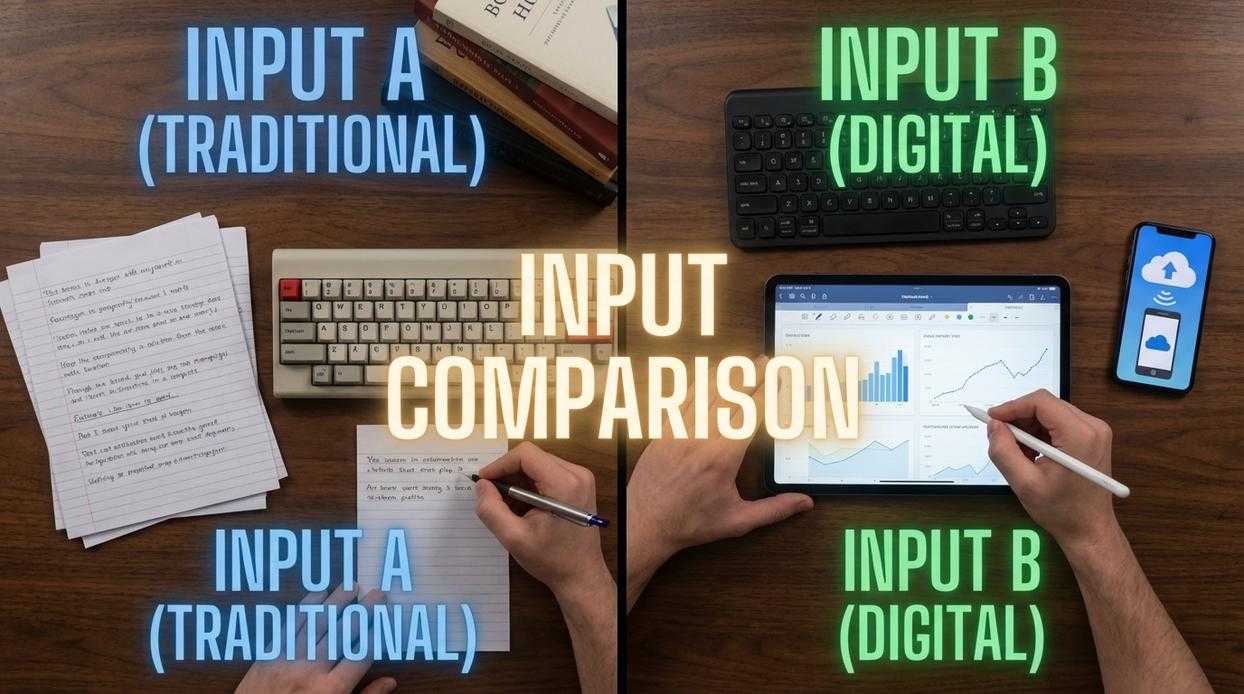
When you’re settling in for a four-hour grind, comfort isn’t a luxury—it’s a performance advantage. Controllers naturally encourage a relaxed, “lean-back” posture, letting your shoulders drop and wrists stay neutral. By contrast, keyboard and mouse setups often require a more rigid, “lean-in” stance, with forearms elevated and wrists extended. Over time, that posture can increase strain in the neck and lower back (a familiar ache for anyone who’s pulled an all-nighter). The benefit? With a controller, you conserve physical energy for what actually matters: sharper reactions and better decision-making deep into the session.
Then there’s immersion. Modern haptics—vibration motors and adaptive triggers—simulate recoil, road texture, or tension on a bowstring. Haptic feedback (physical sensations that mirror in-game actions) bridges the gap between player and screen. Feeling the rumble of an engine during a race or the kick of a shotgun adds sensory depth that elevates gameplay beyond visuals and sound alone.
And let’s not overlook accessibility. The standardized layout makes controllers intuitive and ideal for couch co-op—true “pick up and play” design. In the controller vs keyboard gaming debate, ease of entry is a real win. Pair that comfort with optimized settings like reducing input lag for competitive gaming performance, and you gain both endurance and responsiveness—exactly what marathon sessions demand.
Genre Dominance: Matching the Input to the Meta
Choosing the right input isn’t about loyalty—it’s about leverage. When it comes to controller vs keyboard gaming, the “best” option depends entirely on genre demands and competitive ceilings.
First-Person & Third-Person Shooters (FPS/TPS)
The Verdict: Keyboard and Mouse
At high levels, precision is everything. A mouse offers pixel-perfect tracking and faster flick shots thanks to raw input and higher sensitivity ceilings. Analog sticks simply can’t match that range of motion.
Practical tip:
- Lower your mouse DPI (400–800 is common in esports).
- Fine-tune in-game sensitivity until you can do a clean 180° turn without over-rotating.
- Disable mouse acceleration for consistent muscle memory.
Yes, aim assist helps controller players—but in competitive PC lobbies, mechanical accuracy still dominates (as seen across major Counter-Strike and Valorant tournaments).
Fighting Games, Sports, and Racing
The Verdict: Controller
These genres rely on analog precision and ergonomic button layouts. Quarter-circle inputs, trigger feathering in racing sims, and smooth dribbling in sports titles all benefit from analog sticks.
Real-world example: Try executing a complex combo in Street Fighter on a keyboard. Possible? Yes. Comfortable across 50 matches? Not likely.
Pro tip: Customize trigger dead zones in racing games to avoid oversteering—small tweaks can shave seconds off lap times.
Strategy Games (RTS/MOBAs) and MMOs
The Verdict: Keyboard and Mouse
These games demand high actions per minute (APM), multi-unit control, and rapid map navigation. A controller simply lacks enough inputs.
Step-by-step optimization:
- Bind core abilities to QWER.
- Assign camera jumps to function keys.
- Use control groups (Ctrl+1–5) for faster army management.
That’s why StarCraft and League of Legends remain PC-input strongholds.
Action-Adventure, Platformers, and RPGs
The Verdict: Player Preference
This is the gray zone. Controllers feel immersive during exploration (lean back, cinematic vibes). Keyboard and mouse excel at quick inventory swaps and camera precision.
The best input is the one that reduces friction between you and the game.
Test both for an hour. Track comfort, accuracy, and fatigue. The meta matters—but so does your experience.
Making the Final Call
At its core, this debate comes down to a simple trade-off: raw precision and speed versus ergonomic comfort and intuitive control. Some players argue that skill matters more than hardware, and they are not wrong. However, tools shape performance.
If you are chasing esports glory in a competitive FPS, a keyboard and mouse setup offers unmatched flick accuracy and rapid target acquisition. On the other hand, fighting games and story-driven adventures reward analog movement and tactile feedback, where a controller feels natural in your hands. That is the heart of controller vs keyboard gaming.
Critics might say you should pick one and master it exclusively. Yet the best competitors adapt. They switch inputs based on genre, much like a golfer chooses clubs for different shots (yes, even Tiger Woods does not use one club). Ultimately, decide based on what you play most, then build from there. Comfort fuels consistent performance.
As you explore the advantages and disadvantages of each control scheme, be sure to check out our latest insights on game enhancements in “Gaming Updates Thehaketech” to see how these tools can elevate your gaming experience.
Level Up Your Competitive Edge
You came here to settle the debate around controller vs keyboard gaming and figure out which setup truly gives you the advantage. Now you understand how input precision, aim assist, movement control, reaction time, and game-specific metas all influence performance.
The real frustration isn’t the device itself — it’s feeling like you’re being held back by your setup. Whether you’re grinding ranked, pushing into higher elo, or stepping into competitive tournaments, every millisecond and micro-adjustment matters. Choosing the right input method for your playstyle eliminates hesitation and unlocks consistent results.
Now it’s time to act. Test your settings, optimize your sensitivity, refine your mechanics, and commit to the setup that complements your strengths. Don’t stay stuck in uncertainty while others optimize and climb.
If you’re serious about improving, dive into our advanced meta breakdowns and optimization guides trusted by thousands of competitive players. We’re one of the fastest-growing resources for gameplay strategy and esports-level insights.
Stop guessing. Start optimizing. Level up today.